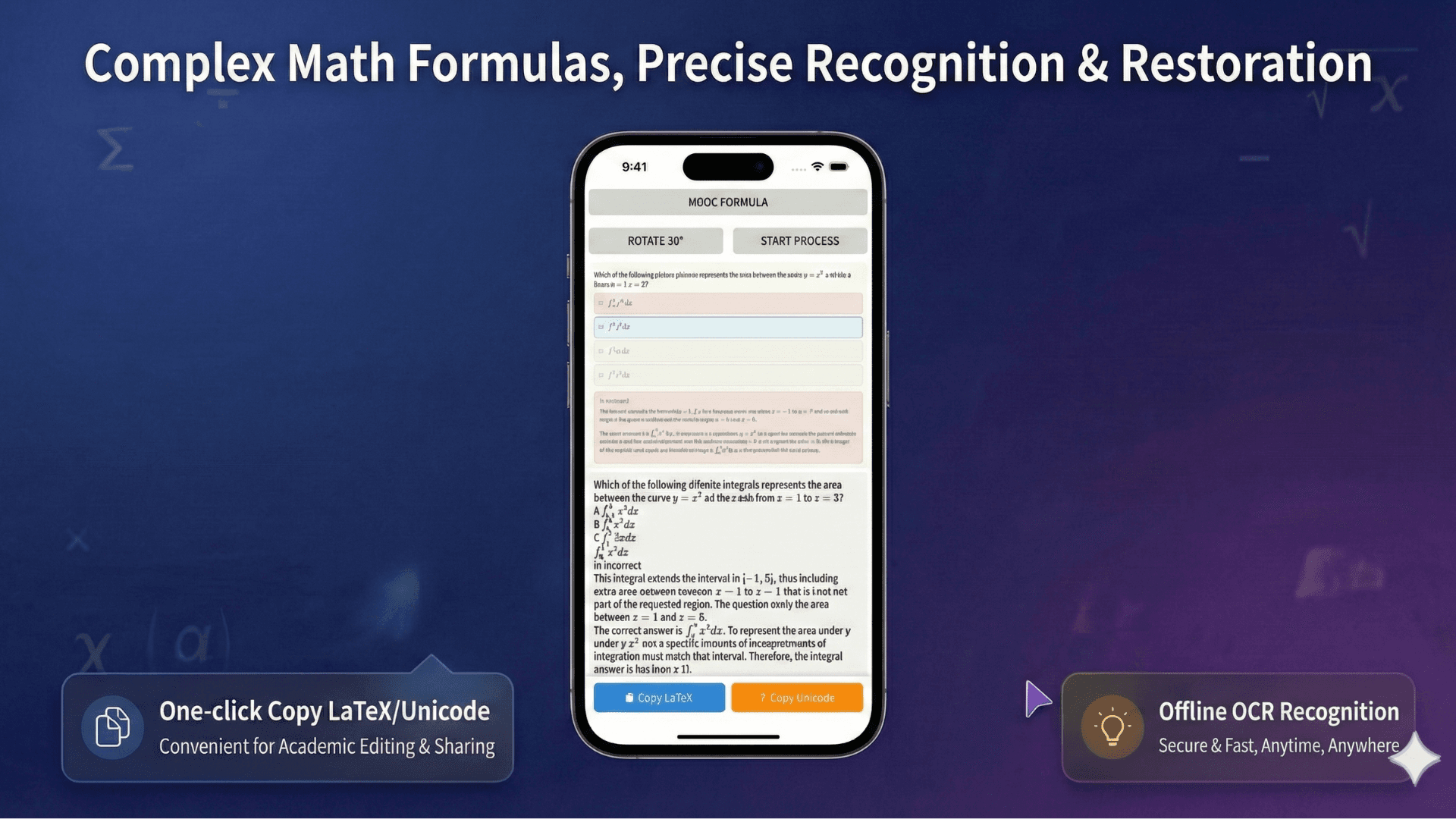
Formula image input
Capture or upload a math-heavy page instead of retyping it by hand.
convert scanned math to Google Docs
Convert scanned math notes and formula images into editable documents you can move into Google Docs. Use OCR for Word, PDF, LaTeX, and text outputs.
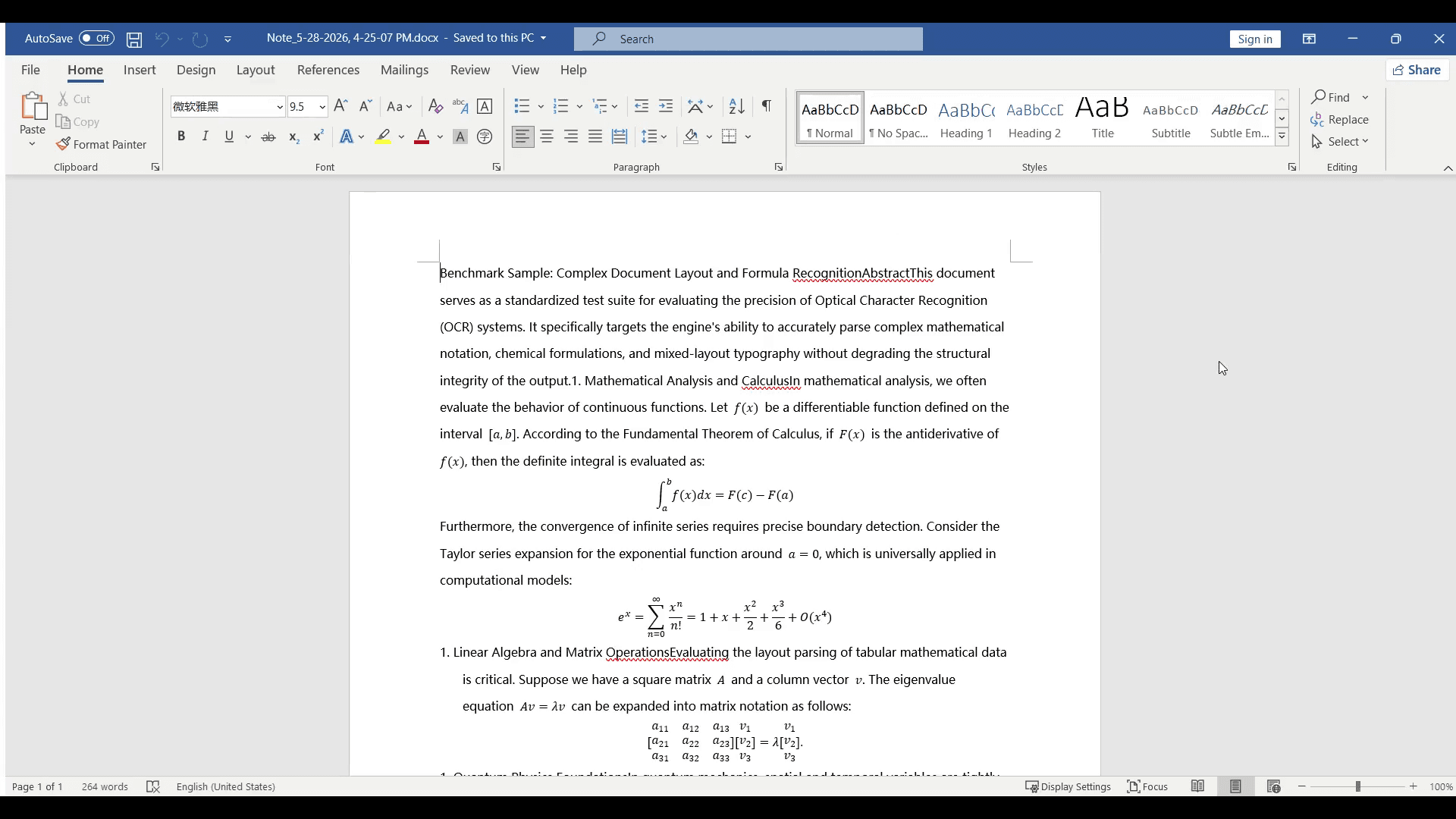
Before and after
Real OCR workflow pages should show the source scan, the review surface, and the exported result. These examples make the value clear before someone opens the editor.
Capture or upload a math-heavy page instead of retyping it by hand.
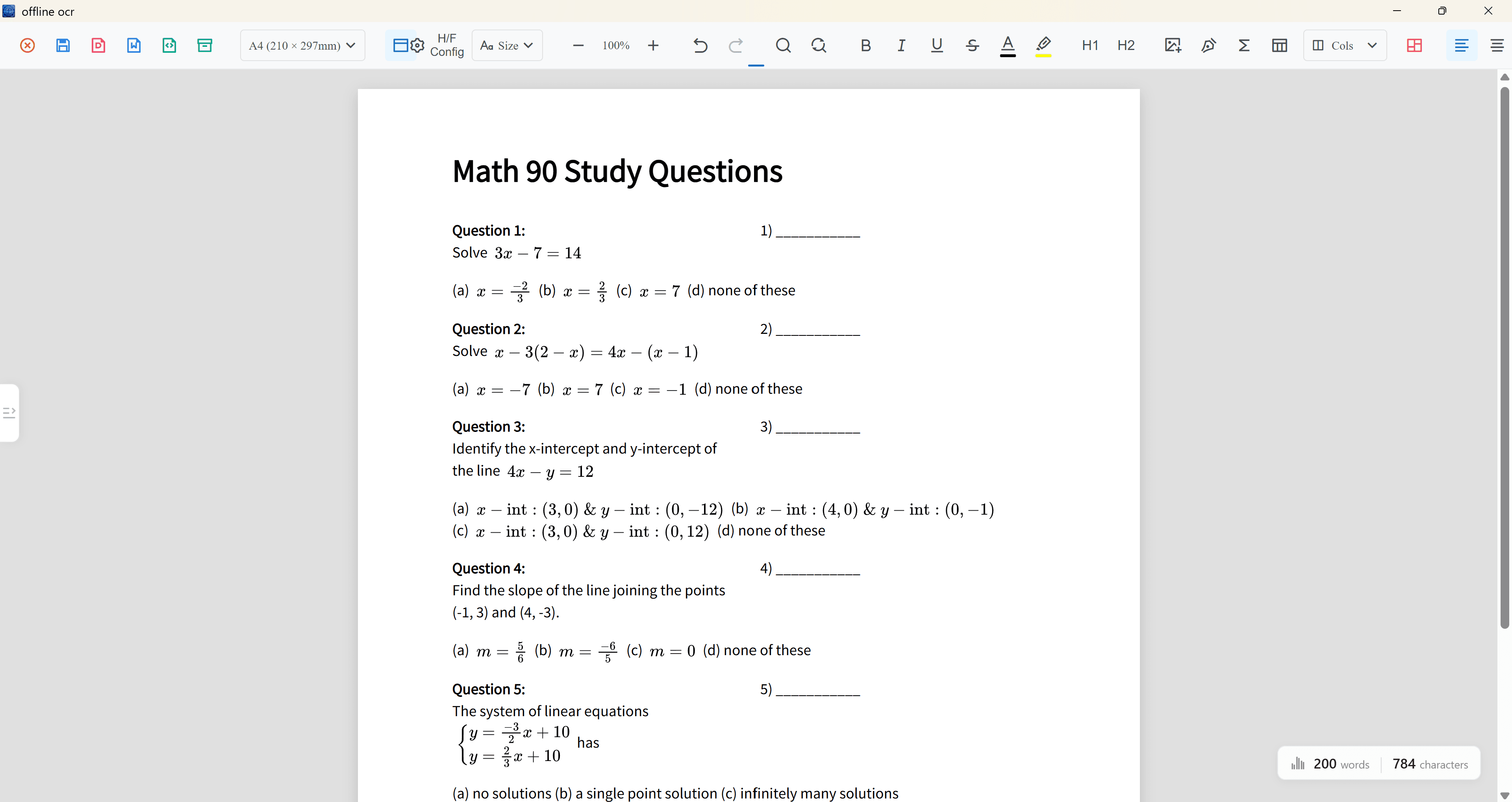
Review text and formula regions in the editor before export.
Export to Word or PDF so formulas can be corrected and reused.
Why it matters
This workflow is for people who live in Google Docs but need math OCR first. Convert scanned formulas into editable outputs, then bring the cleaned content into your Docs workflow.
Recognize formulas and page text before moving the content into a collaborative editor.
Use Word, LaTeX, PDF, or text output as a bridge from scans to document editing.
This is a math OCR workflow for Docs users, not a replacement for Google Docs itself.
Workflow
The workflow stays the same whether the final target is Word, PDF, LaTeX, or a reviewed editor project.
Start with a formula image, worksheet photo, or scanned PDF page.
Recognize text blocks, formula blocks, symbols, and page structure.
Correct formula blocks before exporting so the final document stays editable.
Create editable Word, PDF, LaTeX, text, or an .ocrdata project file.
Use cases
Scan handwritten notes, homework, and exam review pages without retyping formulas.
Convert worksheets, answer sheets, and class handouts into reusable documents.
Extract equations, symbols, tables, and dense technical text from academic material.
Accuracy notes
FAQ
No. It is an OCR workflow for scanned math material that can feed editable content into a Google Docs process.
Yes. After review, you can reuse recognized text, LaTeX, or document output in your Docs workflow.
Word export is useful when you need editable equations and a document structure before moving content elsewhere.
Related OCR workflows
math OCR to Word
Convert scanned math notes, worksheets, and formula images into editable Word equations, PDF, LaTeX, and text with Offline OCR: Math to Word.
editable Word equations
Create editable Word equations from math images and scanned formulas. Convert screenshots into reusable Word, PDF, LaTeX, and text outputs.
image to LaTeX
Convert formula images to LaTeX with math OCR. Recognize equations from screenshots, notes, and worksheets, then review and reuse the output.
Offline OCR: Math to Word