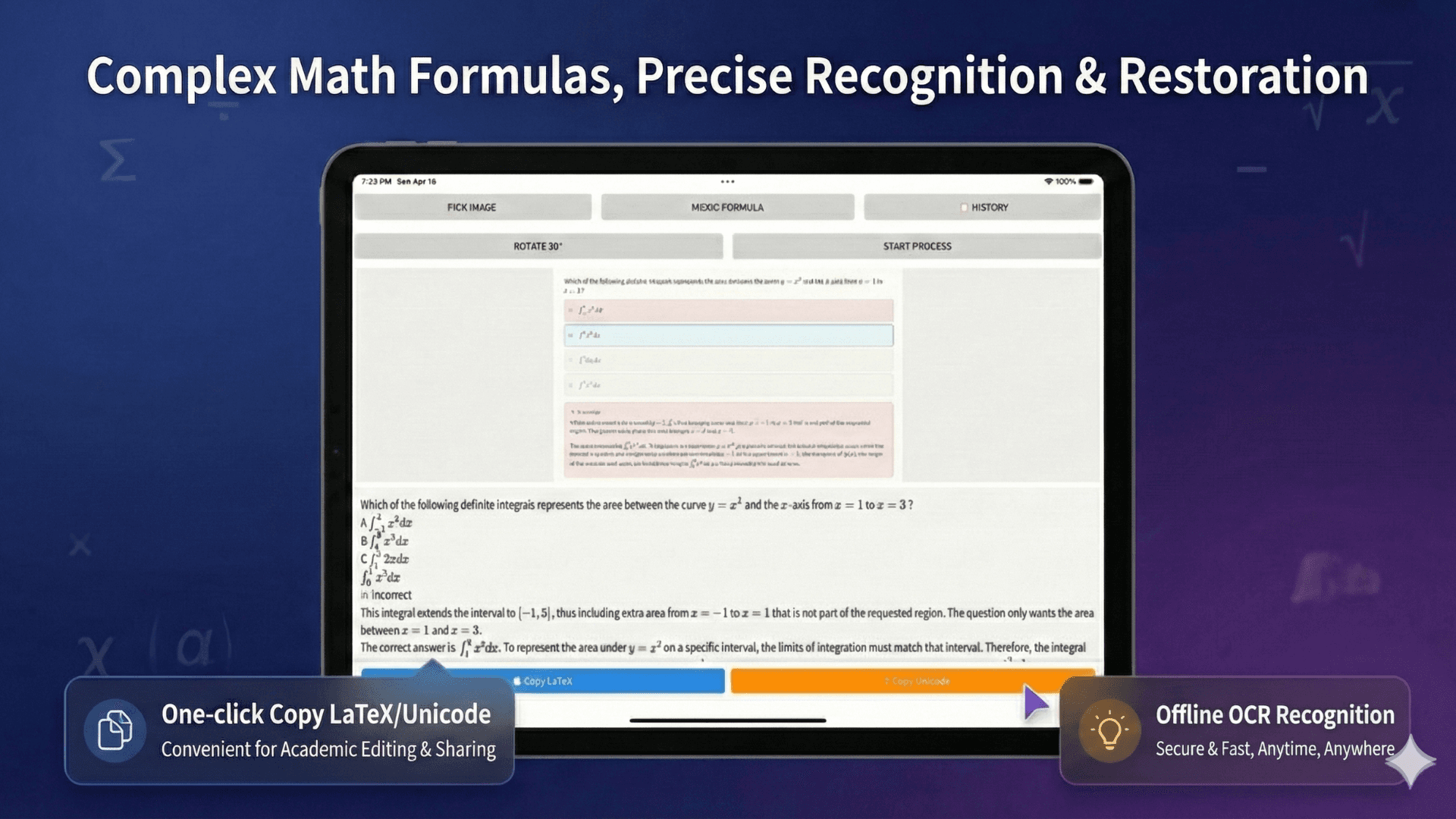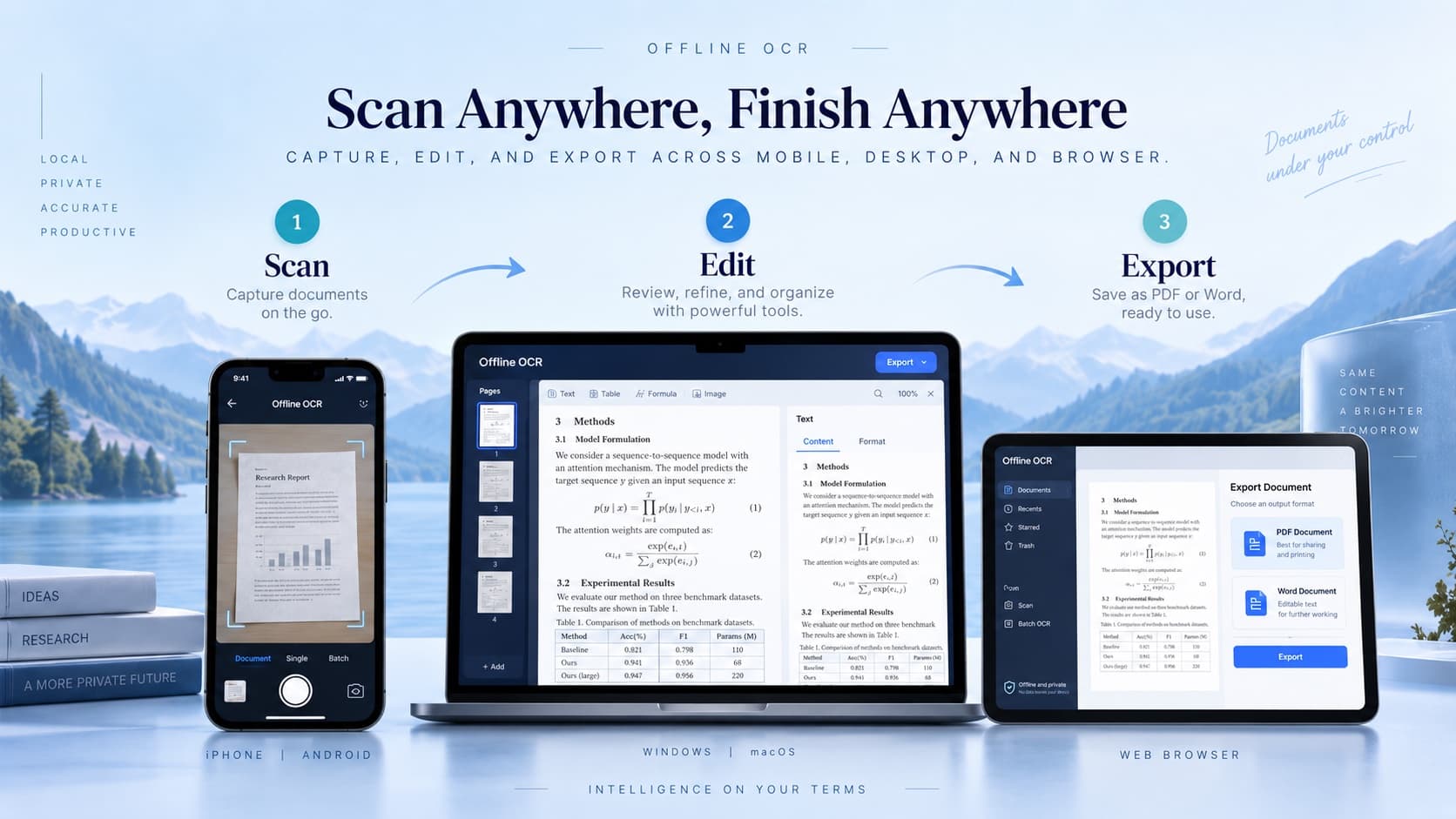
Scan. Edit. Export.
A familiar workflow on mobile, desktop, and browser.
Private, local-first formula recognition
Offline OCR is a local-first math OCR app for Android and Windows. Recognize everyday text and supported mathematical formulas on-device, then export editable Word equations, PDF, LaTeX or plain text. Optional Cloud AI is available for difficult handwriting and complex layouts.
Local OCR mode · Android and Windows · Editable Word equations · PDF and LaTeX export · Optional Cloud AI
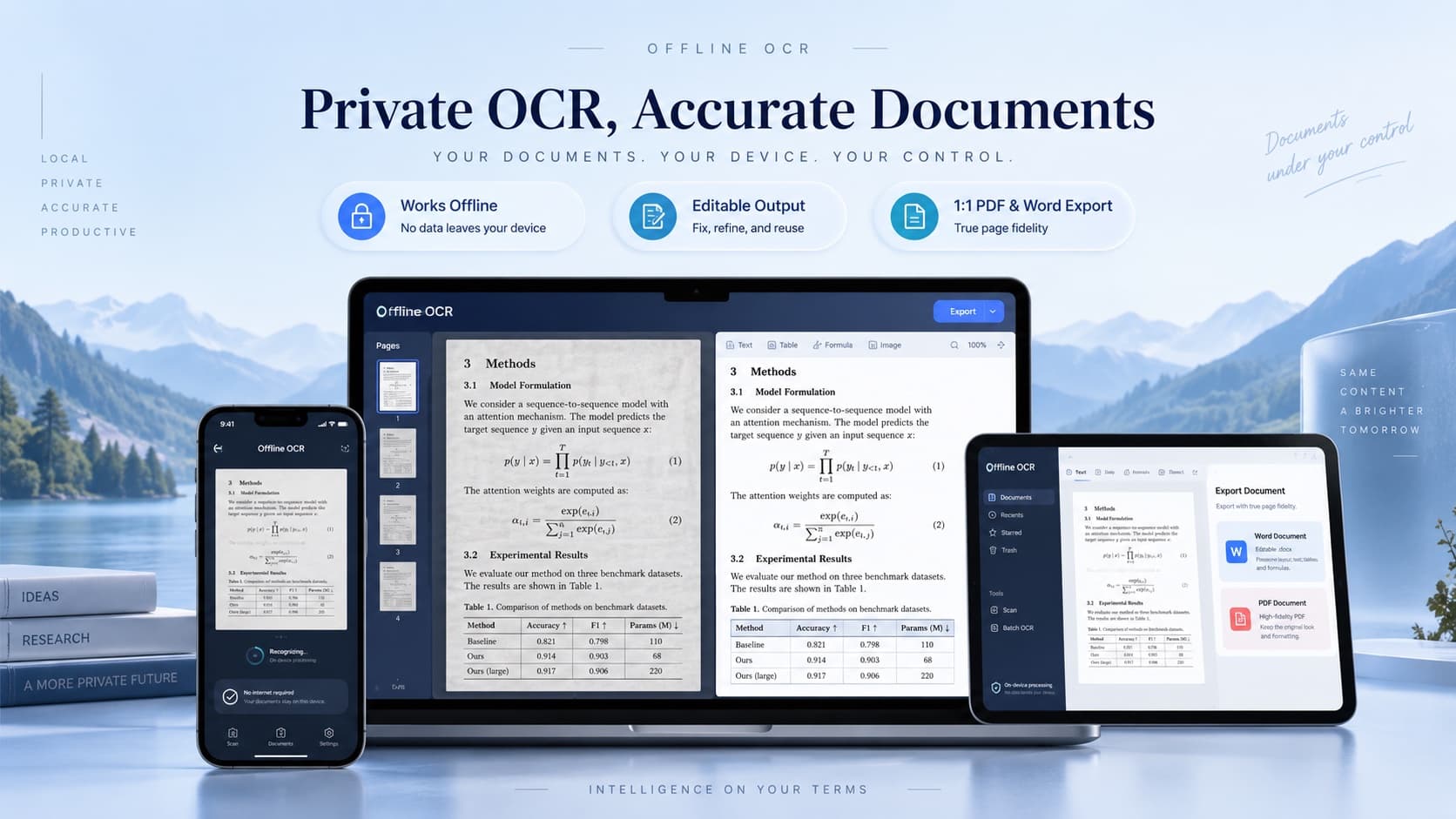
Showcase
Offline OCR is built for math-heavy documents, not just plain image-to-text conversion. Capture a worksheet, review recognized text and formula blocks, then export a document you can actually edit, correct, and reuse.
Process math notes, worksheets, and scanned pages quickly from mobile, desktop, or web.
Use free on-device OCR for everyday recognition when your notes and documents should stay private.
Recognize equations, symbols, fractions, matrices, superscripts, subscripts, and mixed text around formulas.
Create Word, PDF, LaTeX, text, or project files for editing, sharing, study, and documentation.
A familiar workflow on mobile, desktop, and browser.
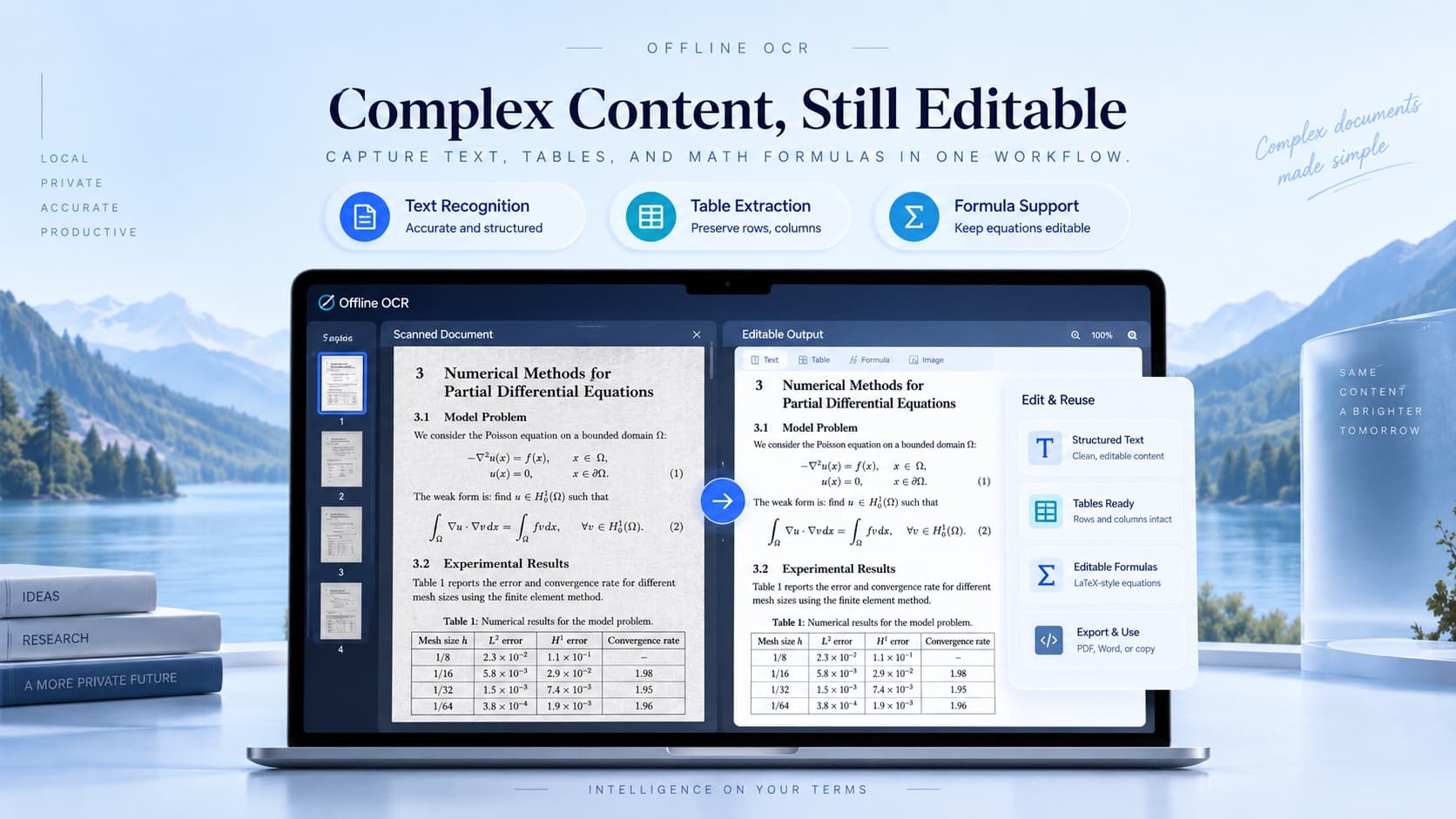
Review and refine recognized text, tables, and equations.
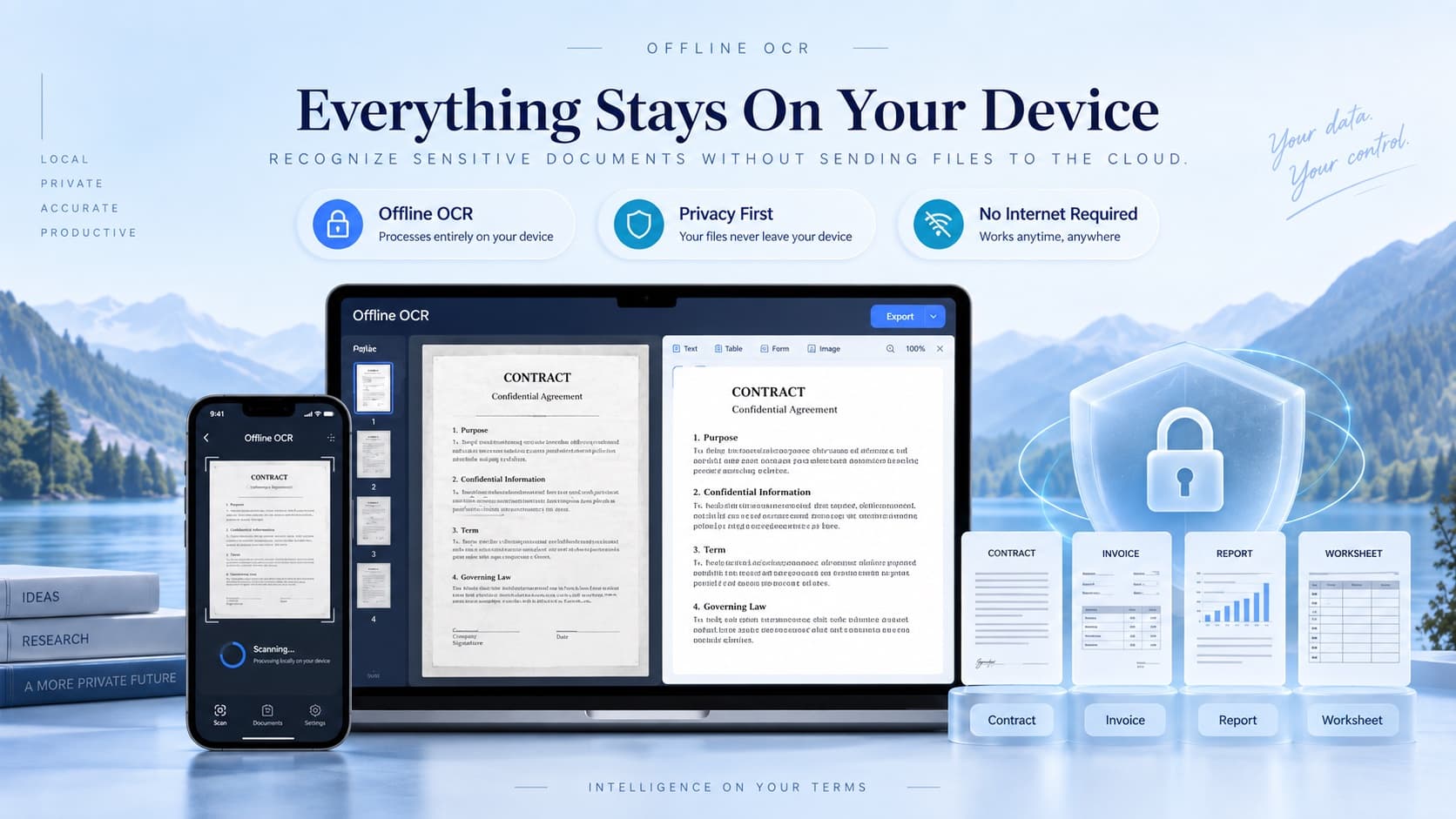
Local recognition runs on your device after model setup. Optional Cloud AI uploads content.
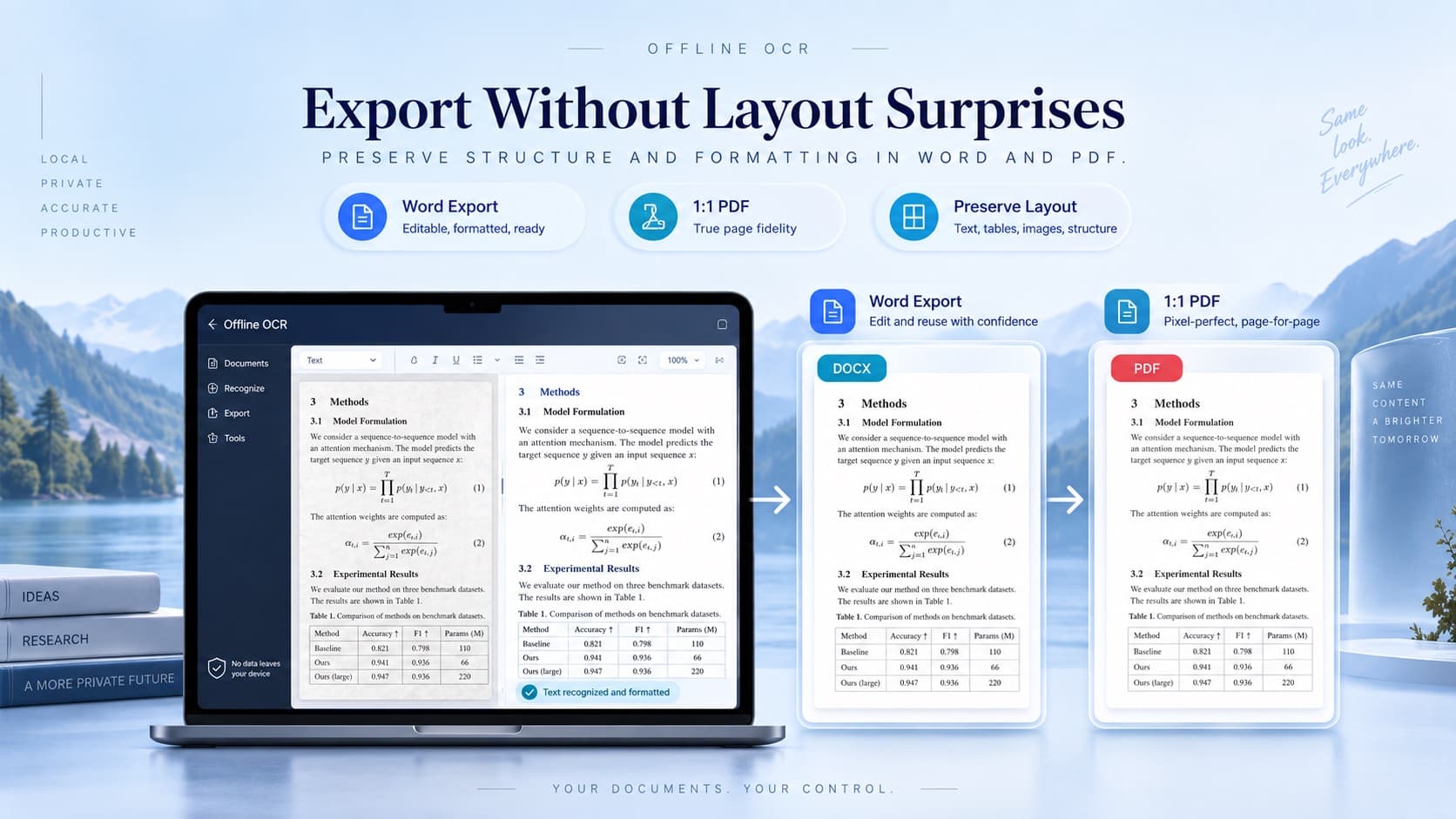
Export PDF or editable Word. Word pagination can vary with fonts and applications.
OCR examples
Offline OCR is designed for math-heavy documents where normal OCR usually loses structure. You can start from a photo, screenshot, worksheet scan, or scanned PDF page, then review the recognized text and formulas before exporting.
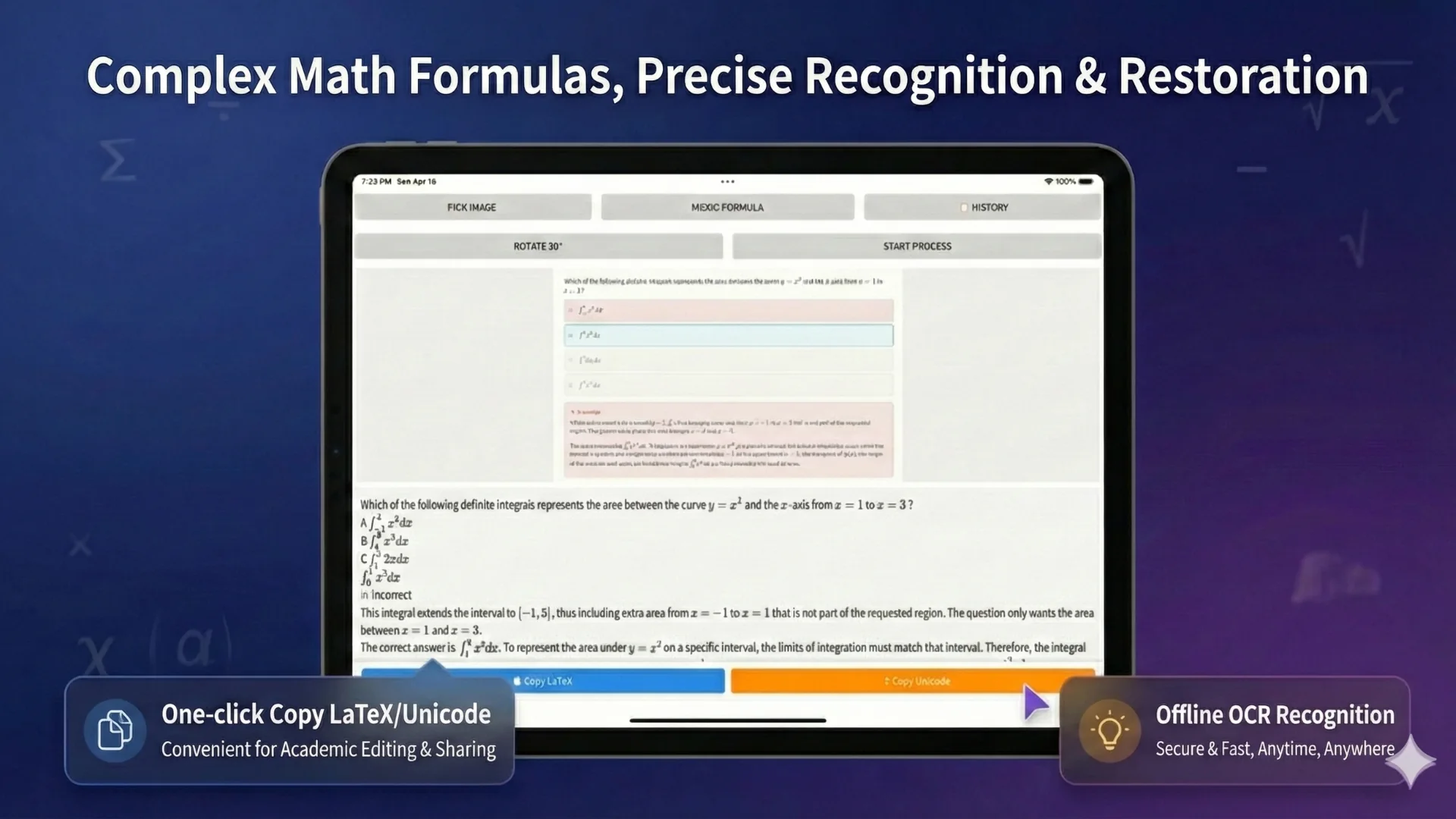
Convert cropped equations from slides, videos, web pages, or lecture notes into reusable Word or LaTeX output.
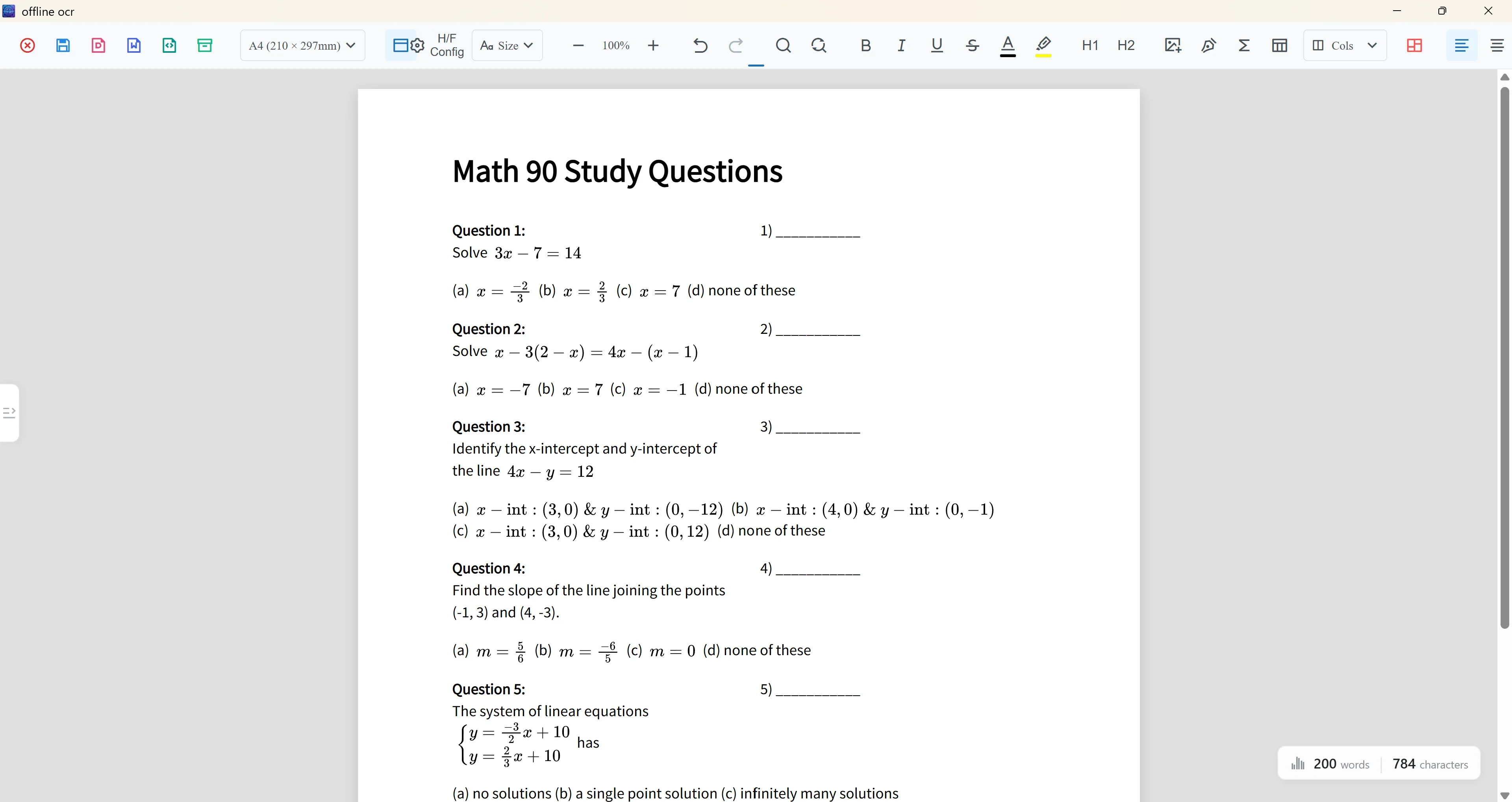
Recognize problem text, formulas, answer areas, and page layout so old worksheets can become editable teaching files.
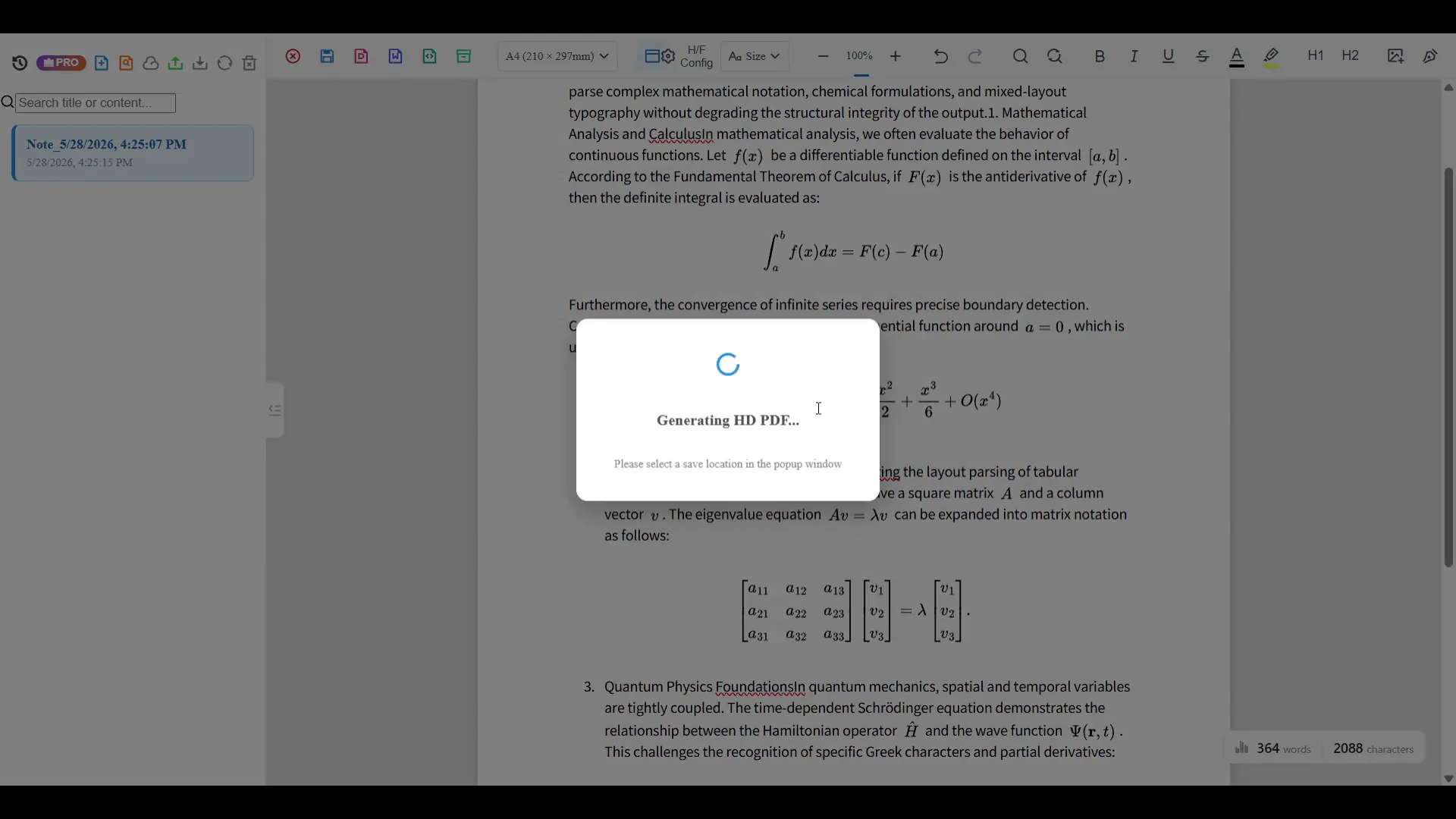
Scan notebook pages, class handouts, and scan-only PDFs, then export Word, PDF, LaTeX, text, or project files for cleanup.
OCR workflows
Online demo
Use the online demo for a quick recognition test. For full offline math OCR, native Word/PDF export, and advanced formula recognition, use the Android or Windows app.
PNG, JPG, or GIF up to 50MB.
Drag & drop your image here or browse files
PNG, JPG, or GIF up to 50MB.
Use cases
Offline OCR: Math to Word is focused on math-heavy work, not generic image-to-text conversion.
Turn handwritten notes, homework pages, and exam review sheets into editable study material without retyping every formula.
Convert class handouts, worksheets, answer sheets, and formula-heavy PDFs into reusable teaching documents.
Extract equations, symbols, tables, and structured text from technical documents for review, citation, and reuse.
Local vs Cloud
Use local OCR for privacy and everyday recognition. Switch to cloud AI only when a page has complex formulas, dense layout, handwriting, or math-solving needs.
Run private recognition on your device. Your images stay local for everyday OCR tasks.
Upgrade for advanced formula recognition, AI solving, math explanations, layout analysis, and higher-accuracy cloud processing.
Move beyond copied text. Create Word and PDF files, extract LaTeX, save text, or continue editing through a project workflow.
Workflow
Start from a math photo, screenshot, worksheet scan, or document page.
Recognize text blocks, formula areas, symbols, and document structure.
Correct formulas, check symbols, and clean up layout before export.
Create Word, PDF, LaTeX, text, or a project file for continued editing.
Accuracy notes
OCR accuracy depends on scan quality, handwriting clarity, formula complexity, and page layout. Simple printed formulas usually need less correction. Dense matrices, multi-column scans, low-light photos, and messy handwriting may need manual review. For difficult pages, optional cloud AI can improve formula and layout recognition.
Pricing
Start free with local OCR. Upgrade when you need ad-free processing, cloud formula recognition, layout-aware analysis, or advanced math assistance.
Ideal for daily offline text recognition.
Enhanced processing with an ad-free workflow.
Elite AI capabilities for advanced productivity.
Permanent credits work across devices and do not renew.
1,000,000 credits
$1.00
3,000,000 credits
$1.99
FAQ
Clear answers about offline math OCR, formula recognition, and document export.
Offline OCR: Math to Word is a privacy-first OCR app for scanning math notes, formulas, worksheets, and documents. It converts images into editable Word, PDF, LaTeX, and text outputs.
Yes. Offline OCR is designed to turn supported scanned formulas into Word-ready equation output instead of leaving formulas as screenshots.
Local OCR works offline after model setup. Model downloads, account features, optional Cloud OCR and cloud sync require internet access.
Local OCR runs on your device. Choosing Cloud OCR uploads selected content for processing. Account and cloud sync features also use network services; see the privacy policy for data handling details.
Yes. Offline OCR supports export workflows for Word and PDF, with LaTeX and text extraction for math-heavy documents.
It is built for students, teachers, researchers, and anyone who needs to convert math images into editable documents.
Download
Start with a quick OCR test, then use the Android or Windows app for private recognition, formula review, and document export.