Start from a formula image
Upload a screenshot, phone photo, worksheet crop, or scanned equation.
image to LaTeX OCR
Turn equation screenshots, formula photos, and scanned math crops into LaTeX you can reuse in notes, Markdown, academic papers, and technical documentation.
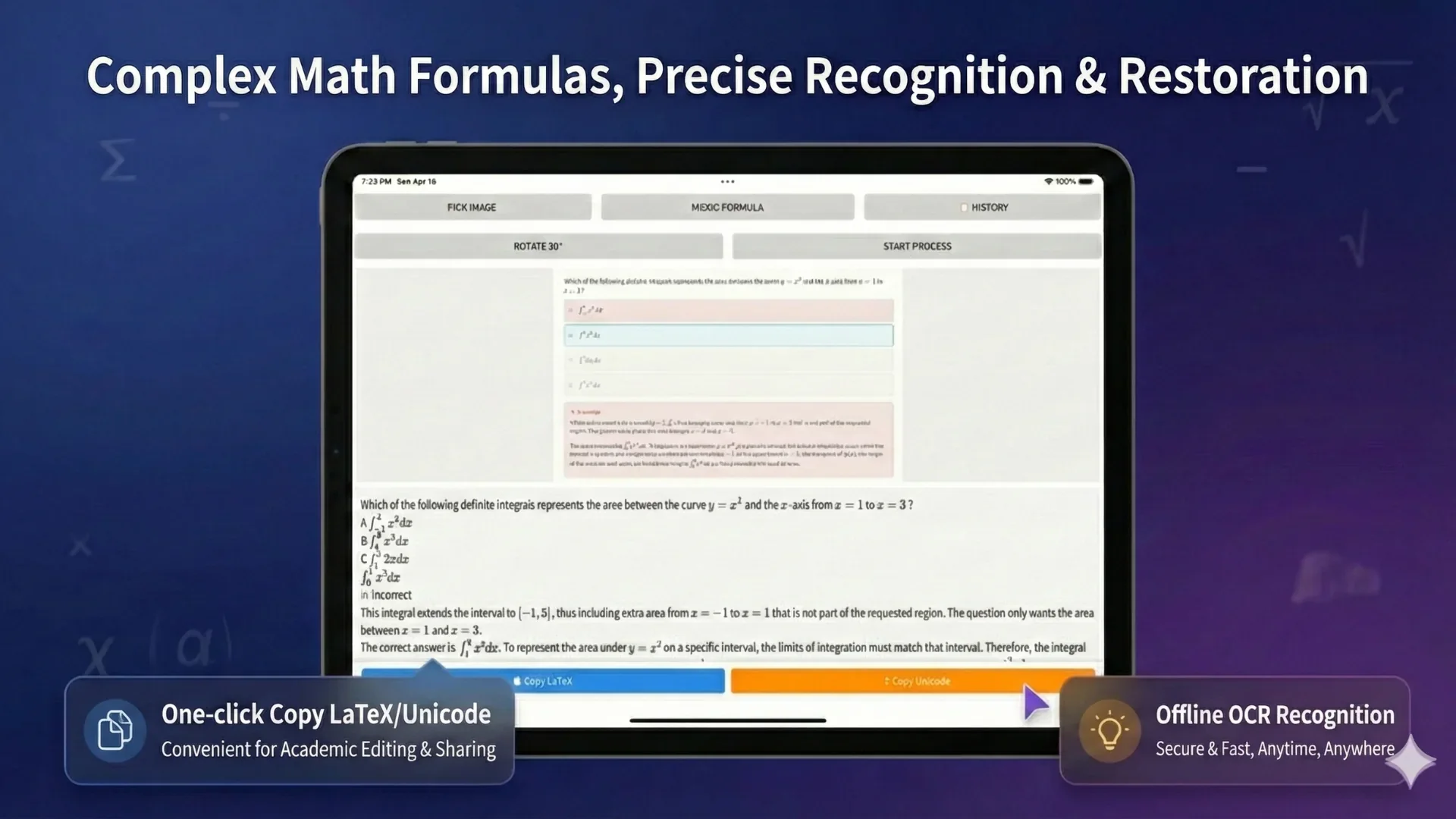
Image to LaTeX
A formula screenshot is convenient to save, but hard to reuse. Image to LaTeX OCR helps recognize equation structure so you can correct the result and use it in notes, papers, documentation, or publishing workflows.
Upload a screenshot, phone photo, worksheet crop, or scanned equation.
Extract fractions, exponents, roots, matrices, symbols, and multi-line formulas into structured markup.
Use the output in academic notes, Markdown, documentation, research drafts, or equation editors.
Why LaTeX output matters
Plain OCR text often loses formula structure. LaTeX keeps the relationship between symbols, exponents, fractions, brackets, and matrices. That makes it a better export format when you need math markup instead of a visual screenshot.
Convert formula screenshots into study notes and homework references.
Reuse recognized equations in papers, reports, or technical documentation.
Move math formulas into Markdown, documentation systems, and publishing tools.
Export choice
Use LaTeX when you need math markup instead of a visual document. It is useful for Markdown notes, academic papers, technical documentation, publishing systems, and equation editors.
Workflow
Choose a screenshot, photo, worksheet crop, or scanned page.
Recognize symbols, notation, and equation structure.
Check brackets, fractions, exponents, subscripts, and Greek letters.
Use the LaTeX output directly, or continue with Word and PDF export workflows.
Accuracy tips
Small visual differences can change the meaning of a formula. After OCR, review the LaTeX before using it in final work.
Example
Use a clear formula crop, review the recognized LaTeX output, and compare it with the rendered preview before copying it into notes, Markdown, academic drafts, or technical documentation.
Start with a clear screenshot or photo that contains the full formula and enough margin.
Review the recognized LaTeX output, then copy the markup or continue exporting to Word and PDF.
Compare the rendered formula with the original so users can see exactly what changed.
OCR paths
FAQ
Yes. Upload the image, run formula OCR, review the recognized structure, and use the LaTeX output.
It can help with clear handwriting, but messy handwriting and dense notation may need correction.
Yes. You can copy the recognized LaTeX into Markdown notes, documentation tools, academic drafts, or equation editors.
No. You should review complex notation, small symbols, matrices, and handwriting before using the final output.
Related OCR workflows
OCR math formula
Recognize math formulas from images, screenshots, worksheets, and scanned pages. Extract fractions, matrices, integrals, symbols, and export Word or LaTeX.
image to Word equation
Convert equation screenshots and formula photos into Word-ready output. Review symbols, fix OCR mistakes, and export editable equations instead of flat images.
math OCR to Word
Convert scanned math notes, worksheets, and formula images into editable Word documents. Review OCR blocks, correct equations, and export Word, PDF, LaTeX, or text.
editable Word equations
Turn scanned formulas and equation screenshots into editable Word equation output where supported. Compare native equations, image fallback, LaTeX, and PDF export.
Offline OCR: Math to Word