Use screenshots or photos
Start from a cropped formula, camera capture, lecture slide screenshot, or scanned equation.
image to Word equation
Start from a formula screenshot, cropped equation, worksheet photo, or scanned math image. Recognize the equation structure and export a Word document you can edit.
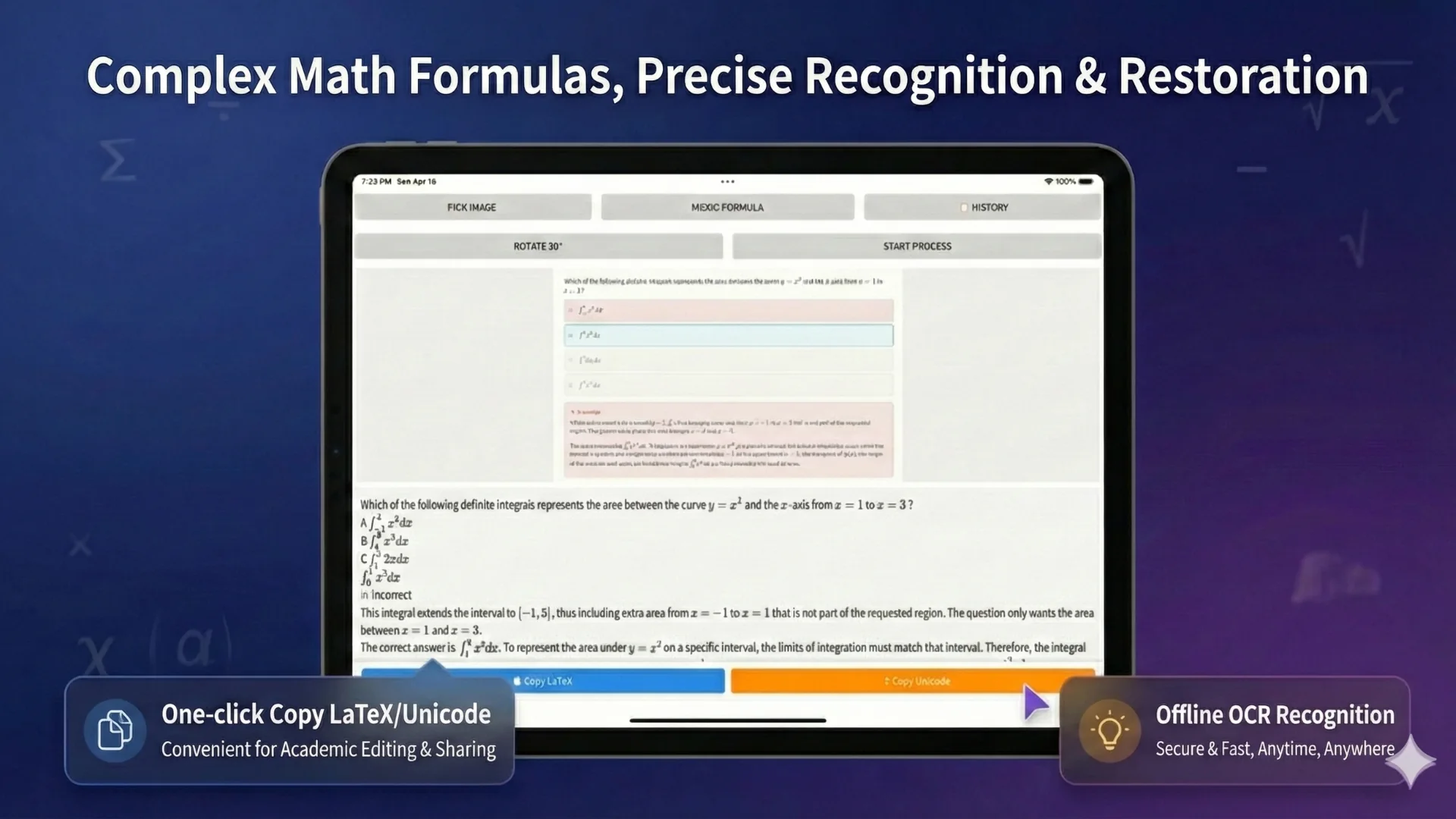
Formula image OCR
When you only have a screenshot or photo of an equation, copying the image into Word does not make it reusable. Offline OCR helps recognize the formula structure so you can review, correct, and export it as editable content where supported.
Start from a cropped formula, camera capture, lecture slide screenshot, or scanned equation.
Review fractions, exponents, subscripts, Greek letters, brackets, matrices, and operators before export.
Export a document you can edit and format instead of keeping formulas locked as images.
Best inputs
Formula OCR works best when the image is sharp, well-lit, and not heavily skewed. Leave a small margin around the equation, avoid blurry screenshots, and crop out unrelated background when possible. If handwriting is messy or notation is dense, review the result carefully.
Workflow
Choose a screenshot, photo, cropped scan, or worksheet image.
Recognize equation structure, symbols, and surrounding text.
Correct symbols, brackets, superscripts, subscripts, and layout.
Create a Word-ready document for editing, sharing, or continued formatting.
Use cases
Convert formula screenshots from slides or videos into editable study notes.
Turn photographed exercises into reusable Word documents.
Extract equations from technical images and clean them up for documentation.
OCR paths
FAQ
Yes. Upload the image, run math OCR, review the recognized equation, and export Word output where supported.
It can help with many handwritten equations, but messy handwriting may require manual correction.
Yes. LaTeX export is part of the formula-focused workflow.
No OCR tool is perfect. Always review complex formulas, small symbols, and handwriting before using the final document.
Related OCR workflows
math OCR to Word
Convert scanned math notes, worksheets, and formula images into editable Word documents. Review OCR blocks, correct equations, and export Word, PDF, LaTeX, or text.
editable Word equations
Turn scanned formulas and equation screenshots into editable Word equation output where supported. Compare native equations, image fallback, LaTeX, and PDF export.
image to LaTeX OCR
Convert formula screenshots, equation photos, and worksheet crops into reusable LaTeX. Run math OCR, review the structure, and copy clean math markup.
OCR math formula
Recognize math formulas from images, screenshots, worksheets, and scanned pages. Extract fractions, matrices, integrals, symbols, and export Word or LaTeX.
Offline OCR: Math to Word