Recognize common notation
Work with fractions, matrices, integrals, roots, Greek letters, superscripts, subscripts, and multi-line equations.
OCR math formula
Math formulas are more than plain text. Recognize equation structure, review symbols and layout, then export formulas to Word, PDF, LaTeX, or text.
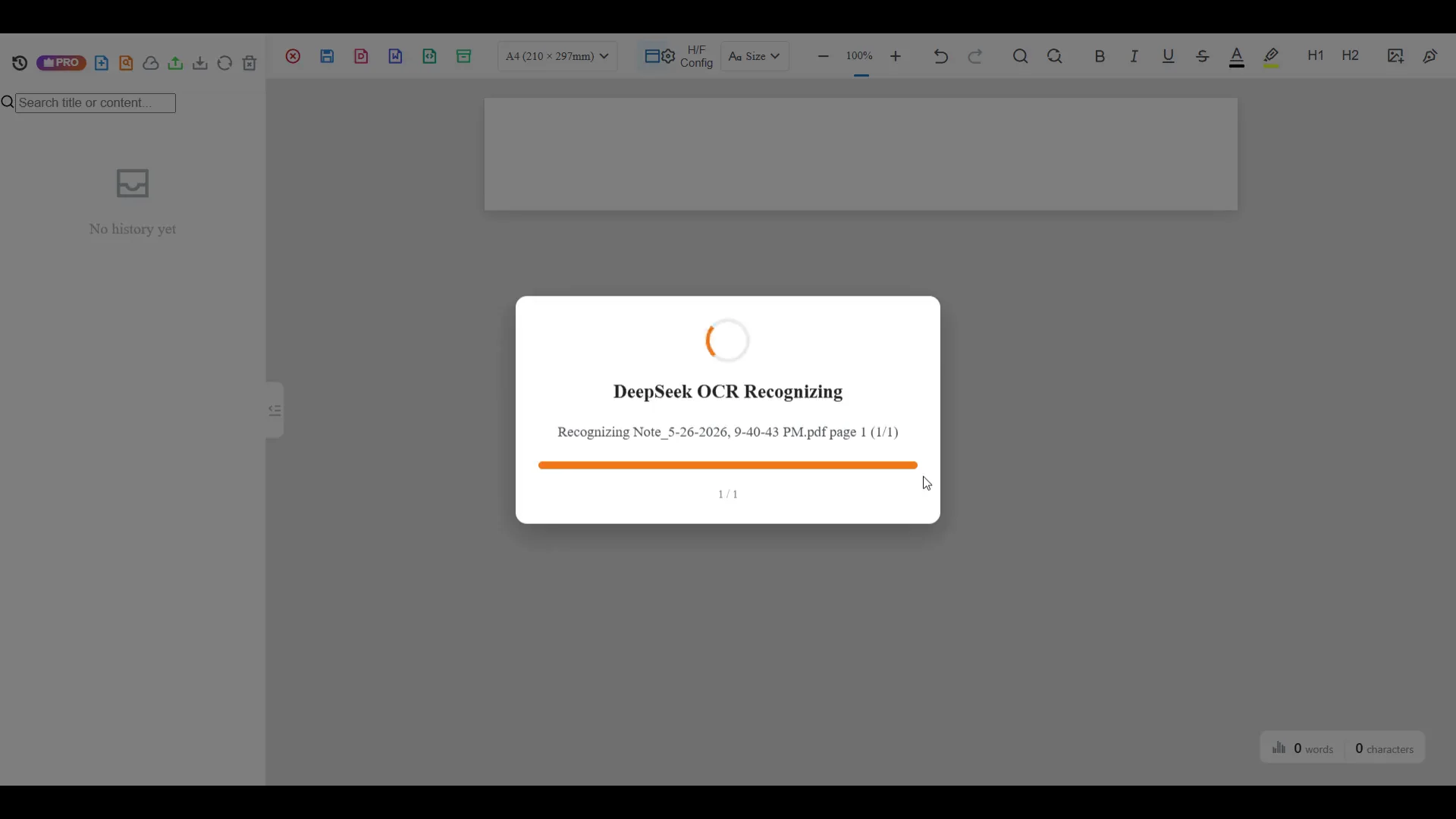
Formula recognition
A formula is more than a line of text. Fractions, matrices, integrals, exponents, subscripts, roots, brackets, and Greek symbols all carry meaning through structure. Offline OCR is built around formula recognition, review, and editable export workflows.
Work with fractions, matrices, integrals, roots, Greek letters, superscripts, subscripts, and multi-line equations.
Check formula blocks and surrounding text before exporting to a final document.
Use Word for editing, LaTeX for markup, PDF for sharing, or text for extraction.
What formula OCR can help with
Convert equation images from slides, videos, notes, or web pages into reusable output.
Recognize printed or handwritten formulas from exercises and answer sheets.
Extract equations and dense technical text from research notes or scanned documents.
Recognition targets
Math OCR can help identify many common formula elements, but the review step is important. Pay special attention to symbols that look similar, such as O and 0, l and 1, minus signs and dashes, small superscripts, nested fractions, and dense matrices.
Workflow
Start with a screenshot, scan, photo, or math-heavy page.
Recognize equation structure, notation, and surrounding text.
Correct symbols, nesting, spacing, and layout before export.
Create Word, PDF, LaTeX, text, or a project file for continued editing.
When to use cloud AI
Local OCR is a good starting point for everyday scans. Use optional cloud AI when the page includes dense notation, difficult handwriting, small symbols, complex layout, or formulas that need stronger parsing.
OCR paths
FAQ
The workflow targets common school and academic notation, including fractions, matrices, integrals, exponents, subscripts, Greek letters, and symbols.
Yes. LaTeX export is available for users who need reusable math markup.
Yes. Supported formulas can be exported into Word-ready equation output after review.
Use cloud AI for dense formulas, complex layouts, difficult handwriting, or advanced parsing needs.
Related OCR workflows
image to Word equation
Convert equation screenshots and formula photos into Word-ready output. Review symbols, fix OCR mistakes, and export editable equations instead of flat images.
image to LaTeX OCR
Convert formula screenshots, equation photos, and worksheet crops into reusable LaTeX. Run math OCR, review the structure, and copy clean math markup.
editable Word equations
Turn scanned formulas and equation screenshots into editable Word equation output where supported. Compare native equations, image fallback, LaTeX, and PDF export.
math OCR to Word
Convert scanned math notes, worksheets, and formula images into editable Word documents. Review OCR blocks, correct equations, and export Word, PDF, LaTeX, or text.
Offline OCR: Math to Word