Capture notes quickly
Start from a phone photo, notebook scan, screenshot, or uploaded page.
scanned math notes to Word
Convert scanned math notes into editable Word documents. Recognize handwritten or printed formulas, review OCR output, and export reusable study material.
Notes to Word
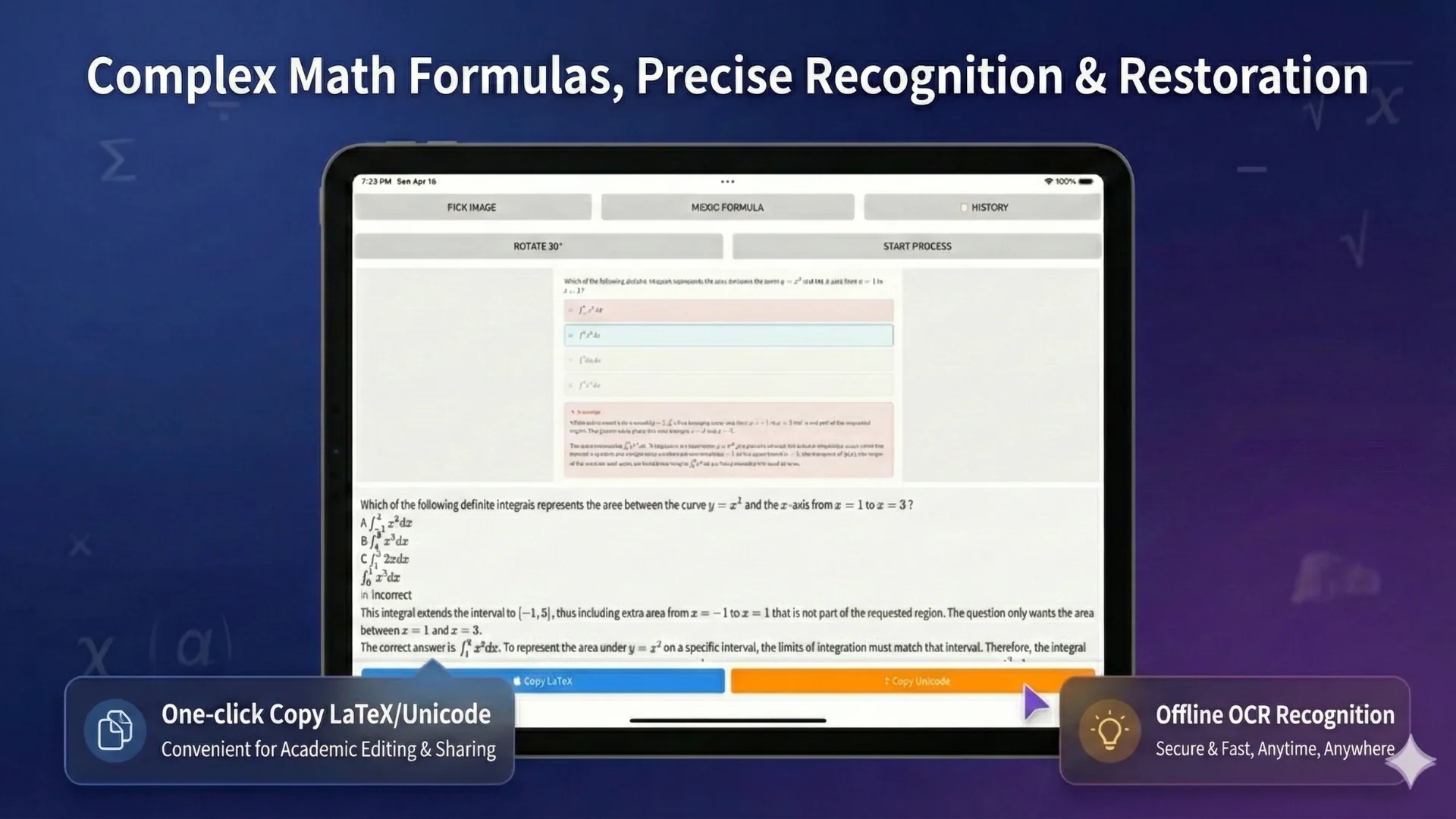
Math notes are hard to reuse when they stay trapped in photos. Offline OCR helps students and teachers convert scanned notes into editable Word documents with text, formulas, and reviewable OCR blocks.
Start from a phone photo, notebook scan, screenshot, or uploaded page.
Work with paragraphs, formulas, symbols, problem statements, and handwritten or printed material.
Create Word, PDF, LaTeX, or text output for review, sharing, and cleanup.
Best for students
Retyping math notes is slow because formulas are not just words. A math-aware OCR workflow gives you a faster starting point: scan the page, check the recognized formulas, correct mistakes, and organize the result in Word.
Convert notebook pages and lecture notes into editable review files.
Digitize worked solutions, formulas, and explanations for later study.
Create reusable formula sheets and summary documents from scanned material.
Workflow
Use a phone camera, screenshot, or document upload.
Recognize text, formulas, symbols, and layout blocks.
Correct unclear symbols, small exponents, matrices, and handwritten areas.
Create an editable document for cleanup, sharing, or continued study.
Accuracy notes
Clear handwriting, good lighting, and a flat page improve recognition. Very messy notes, crossed-out work, dense calculations, and low-resolution photos may need manual correction.
OCR paths
FAQ
Yes. You can scan math notes and worksheets, then review and edit the recognized output for Word or PDF export.
Yes. Clear handwriting and good lighting improve recognition. Very messy notes may need correction.
Yes. It helps turn class notes and homework pages into editable review material.
Yes. Local OCR mode is designed for everyday private recognition on your device.
Related OCR workflows
math OCR to Word
Convert scanned math notes, worksheets, and formula images into editable Word documents. Review OCR blocks, correct equations, and export Word, PDF, LaTeX, or text.
OCR math worksheet
OCR math worksheets into editable Word and PDF documents. Recognize formulas, problem text, answer areas, and worksheet layouts for reuse.
offline math OCR
Scan math formulas, notes, worksheets, and documents with local OCR on your device. Keep everyday recognition private, with optional Cloud AI for complex formulas.
image to Word equation
Convert equation screenshots and formula photos into Word-ready output. Review symbols, fix OCR mistakes, and export editable equations instead of flat images.
Offline OCR: Math to Word