Local recognition
Use on-device OCR for everyday scans, notes, and worksheets that should stay private.
offline math OCR
Use local OCR for everyday math notes and documents that should stay on your device. Switch to Cloud AI only when dense formulas, handwriting, or complex layout need stronger recognition.
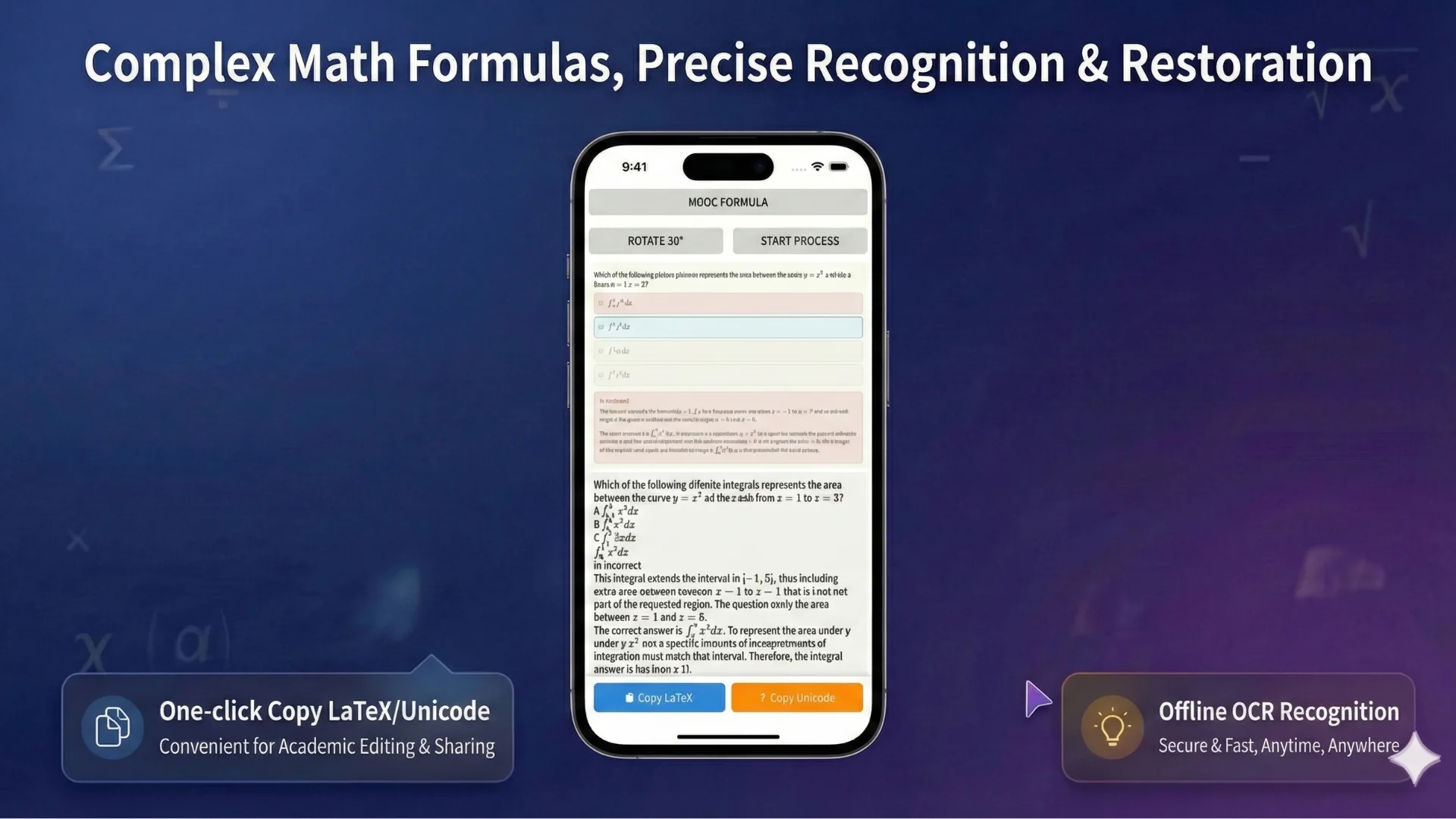
Private by default
Not every scan should become a cloud upload. Offline OCR is designed for users who want a private local workflow for math notes, worksheets, and documents, with the option to use cloud AI only when advanced recognition is worth it.
Use on-device OCR for everyday scans, notes, and worksheets that should stay private.
Choose cloud AI for difficult formulas, dense layouts, math solving, or advanced parsing when local OCR is not enough.
Export recognized content to Word, PDF, LaTeX, text, or a project workflow for continued review.
When offline OCR is the right choice
Offline math OCR is useful when you are scanning study notes, classroom material, unpublished work, or documents you simply do not want to upload by default. The local workflow helps you recognize and review content while keeping routine OCR on the device.
Scan personal math notes and homework pages without sending every image to a server.
Work with worksheets, answer sheets, and handouts in a private local workflow.
Extract formulas and text from math-heavy documents, then decide whether advanced cloud recognition is needed.
Local vs cloud
Offline OCR is built around a clear recognition choice. Use local OCR for everyday scans that should stay on your device. Switch to Cloud AI only when you choose advanced recognition for complex formulas, dense layouts, handwriting, or math assistance.
Designed for private everyday recognition on your device.
Optional advanced mode used only when you choose advanced processing.
Data boundary
Account, subscription, payment, support, and analytics data are handled separately from OCR processing. See the Privacy Policy for details about how local OCR, optional Cloud AI, account features, and deletion requests are handled.
Workflow
Use Android for quick capture or Windows for longer document editing.
Capture a formula, upload a worksheet image, or open a scanned document page.
Recognize text and formulas on your device for everyday OCR tasks.
Correct the result and export Word, PDF, LaTeX, text, or a project file.
Accuracy notes
Use a sharp, well-lit image with minimal skew. Printed formulas usually work better than messy handwriting. Complex notation, small symbols, dense matrices, and multi-column pages may need manual correction or optional cloud AI.
OCR paths
FAQ
Yes. Local mode is designed for everyday OCR on your device. Some advanced cloud AI features require an internet connection.
It is better when you want routine recognition to stay on your device instead of uploading every scan.
Yes. The workflow is designed for math documents, including formulas, symbols, fractions, and mixed text. Complex pages may need review.
Use cloud AI for dense formulas, difficult handwriting, complex layout, or advanced math assistance.
Related OCR workflows
math OCR to Word
Convert scanned math notes, worksheets, and formula images into editable Word documents. Review OCR blocks, correct equations, and export Word, PDF, LaTeX, or text.
PDF to Word with equations
Convert scanned math PDFs into Word documents with editable equations. Review page blocks, correct formulas, and export reusable Word, PDF, LaTeX, or text.
image to Word equation
Convert equation screenshots and formula photos into Word-ready output. Review symbols, fix OCR mistakes, and export editable equations instead of flat images.
free online OCR editor
Try a free OCR editor for math notes, worksheets, and formula images. Review page layout, correct recognized blocks, and export PDF, Word, LaTeX, or text.
Offline OCR: Math to Word